The social media scheduler for agenciesRun every client's social media from one place.
Post to 14 networks, from Instagram and TikTok to LinkedIn and YouTube. Every client gets their own row, time zone and inbox. Clients connect and approve from a link, so nobody shares a password.
Free during early access.
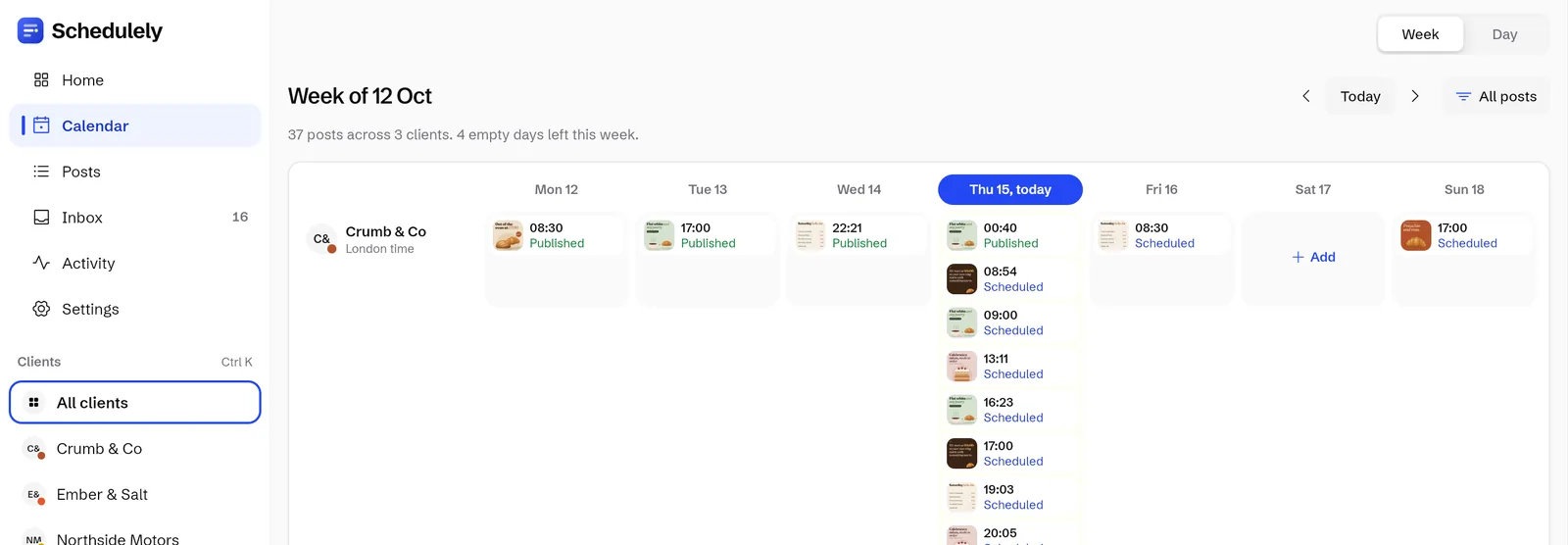
The real Schedulely calendar with made up example clients. Times above are the live local time in each city. The screenshot shows the Crumb & Co row.
Pick how you work. See the parts that matter to you.
Every client in one calendar, approved from a link.
Each client gets a row in their own time zone and connects their accounts from a link, without a login. Clients approve with a swipe, and you keep a record of who did what.
- Week calendar with a row per client, each in their own time zone
- Client connect links, so nobody shares a password
- Approval links: swipe right to approve, left to send back with a note
- Activity history, plus reports as CSV or PDF
Usually Agencyup to 30 channels

Run a handful of clients without juggling tabs.
Plan a month for one client in one sitting, then see the whole week at a glance. Saved replies turn the daily questions into 1 tap.
- Bulk schedule: paste rows straight from a spreadsheet
- Grid preview on top of the client's real Instagram profile
- Saved replies and private replies
- Client logins, so a client runs only their own account
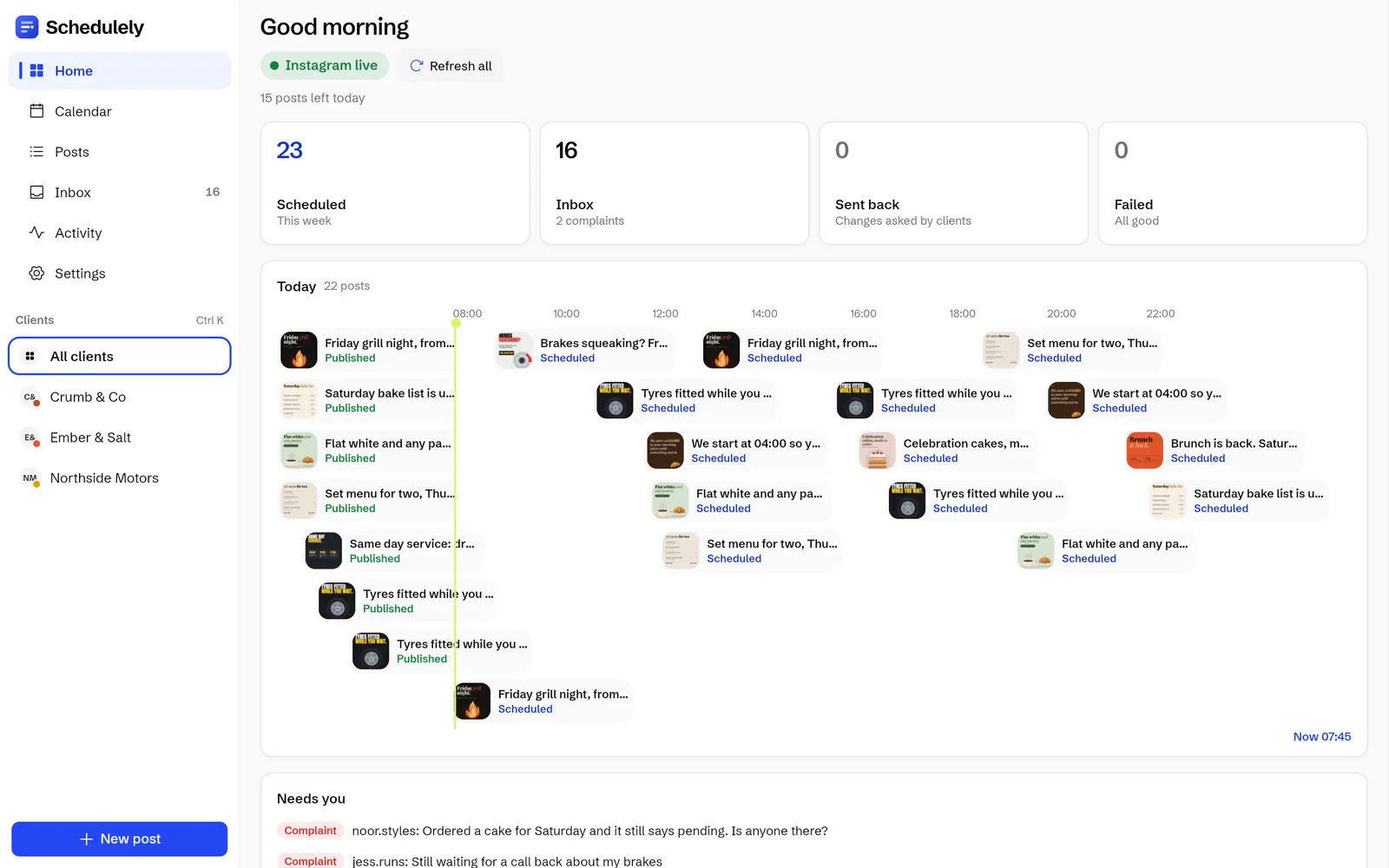
Post on time and answer every comment from your phone.
Add photos and videos from your phone or a Google Drive link and schedule the week ahead. Comments and DMs land in one inbox, so nothing sits unanswered.
- Plan posts from your phone, your computer or a Google Drive link
- Every Instagram comment and DM in one inbox
- Saved replies for the questions you get every day
- A link in bio page with a live preview
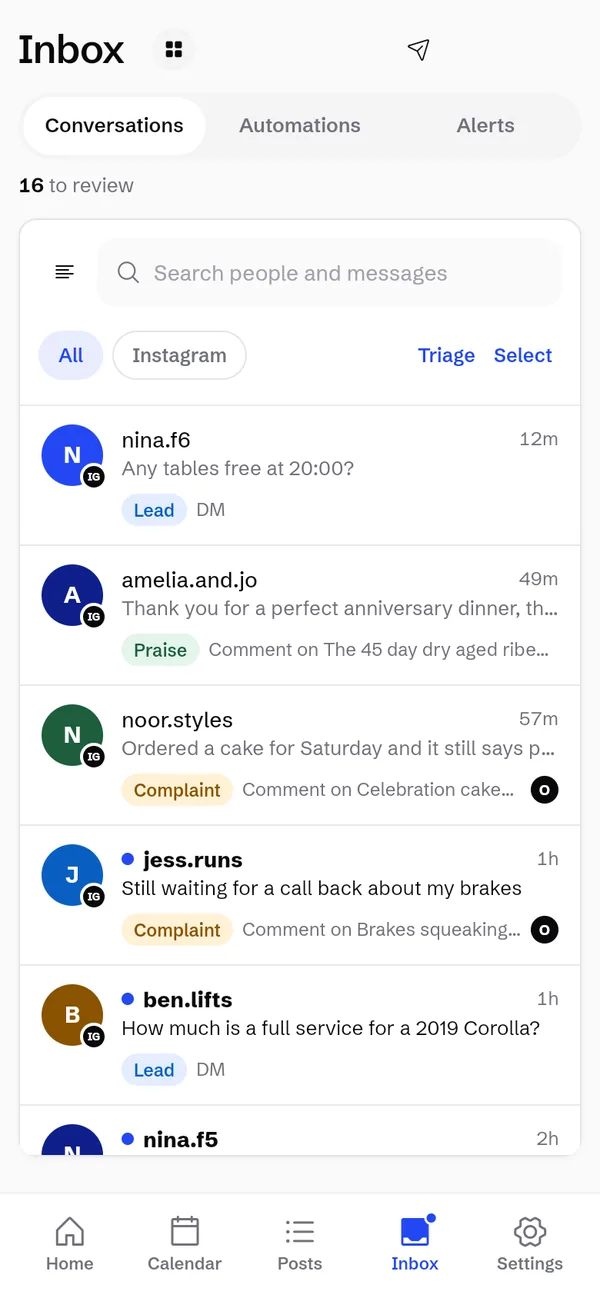
One inbox the whole team can work from.
Assign each conversation to the right person and leave notes only the team can see. Round robin and quiet hours keep the load fair.
- Assign a conversation and leave team notes
- Automations and round robin
- Alerts per device with quiet hours, plus a daily digest
- Approval links for whoever signs off the posts

The real Schedulely app with made up example clients. Plan suggestions are based on how many channels you run.
You know the routine. Here is where each part goes.
Running several clients usually means a pile of logins, approvals buried in chat threads and comments that sit unanswered on a client's post. Schedulely gives each of those a proper home.
Clients connect and approve from a link. No logins to hand out.
Send one link to connect their accounts and another to review next week's posts. Both work without a login.
- Send a connect linkThe client connects their own accounts on each network's sign in page. We never see the password.
- Plan the postsPhotos, videos and carousels from your computer, phone, a Google Drive link or the client's library.
- Send an approval linkSwipe right to approve. Swipe left to send it back with a note. Or give the client their own login.
 @crumbandcoReview
 Approved
 Sent back: warmer photo please
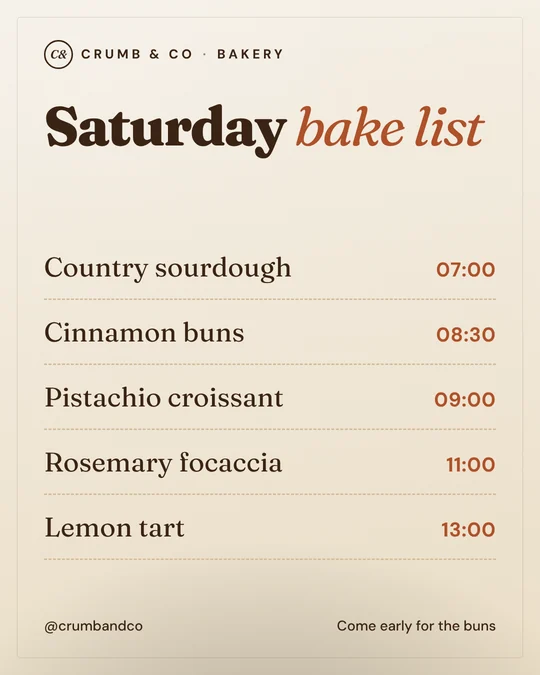
Every business here is made up and every post was designed for this page. If a name or location matches a real business, it is a coincidence and not related to them.
Send your first approval link this week.Free during early access. Sign up with email or Google.
Start freeOne inbox for every client's comments and DMs.
Every Instagram comment and DM across your clients lands in one place, sorted before you open it. Filter by client when you need to.
Labelled for you
Simple word rules sort each message. Change a label by hand and it stays.
Answer in 1 tap
Saved replies for the daily questions. Reply in public, hide a comment or send a private reply.
Share the load
Assign a conversation, leave team notes, set round robin, and get alerts per device with quiet hours.
A bakery at 07:00, a garage at 09:00, a grill at 19:00.
Each client posts on their own schedule, in their own time zone. Plan the week for all of them from one calendar.
 @crumbandcoMon 07:00 · London

 @emberandsaltFri 12:00 · Dubai

 @northsidemotorsMon 09:00 · New York

 @glowsalonFri 18:00 · Manchester

 @pulsegymMon 05:30 · Birmingham

 @petalstudioWed 10:00 · Bristol
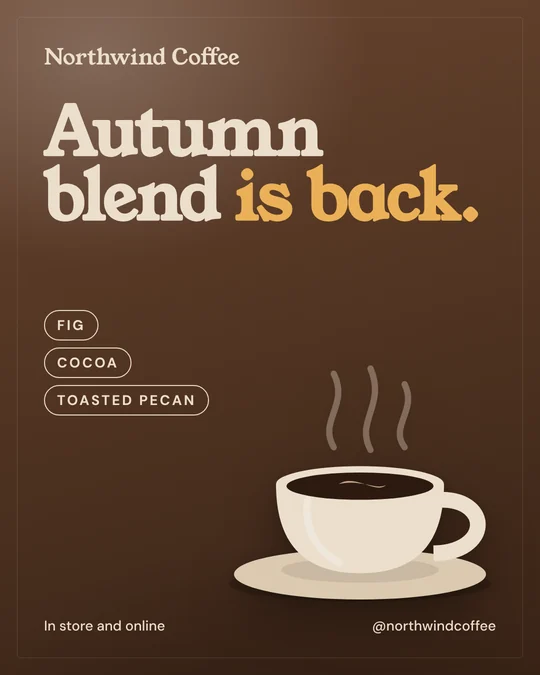
 @northwindcoffeeTue 07:30 · Edinburgh

 @keystonehomesThu 17:00 · Leeds

 @fadeandcoTue 17:00 · Glasgow@crumbandcoSat 07:00 · London
 @emberandsaltMon 19:00 · Dubai
 @northsidemotorsWed 08:00 · New York
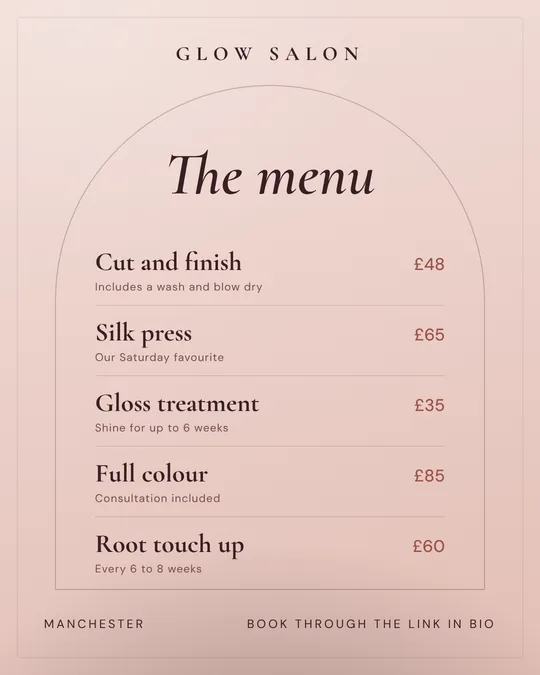 @glowsalonTue 12:00 · Manchester
 @pulsegymTue 06:00 · Birmingham
 @petalstudioThu 12:00 · Bristol
 @northwindcoffeeWed 08:00 · Edinburgh
 @keystonehomesWed 17:30 · Leeds
 @fadeandcoThu 12:00 · Glasgow
 @pulsegymSun 19:00 · Birmingham
 @petalstudioMon 09:00 · Bristol
 @northwindcoffeeMon 07:00 · Edinburgh
 @keystonehomesMon 12:00 · Leeds
 @fadeandcoWed 10:00 · Glasgow@crumbandcoTue 07:00 · London
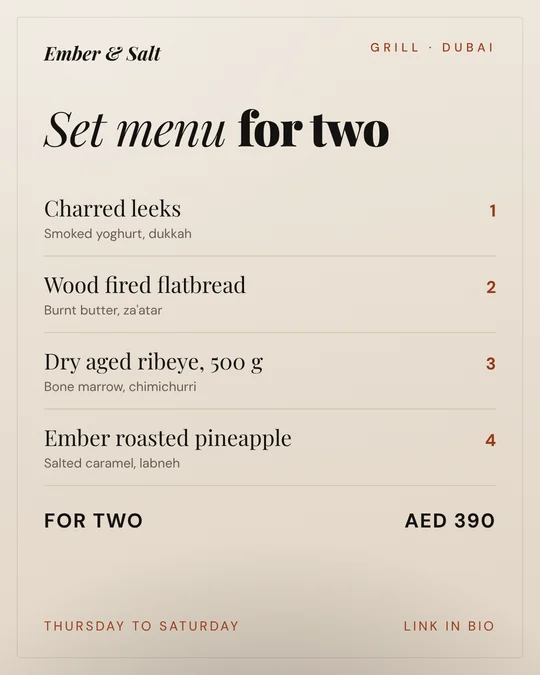 @emberandsaltThu 17:00 · Dubai
 @northsidemotorsTue 12:00 · New York
 @glowsalonMon 10:00 · Manchester
 @pulsegymWed 18:00 · Birmingham
 @petalstudioFri 08:00 · Bristol
 @northwindcoffeeThu 09:00 · Edinburgh
 @keystonehomesTue 18:00 · Leeds
 @fadeandcoFri 09:00 · Glasgow
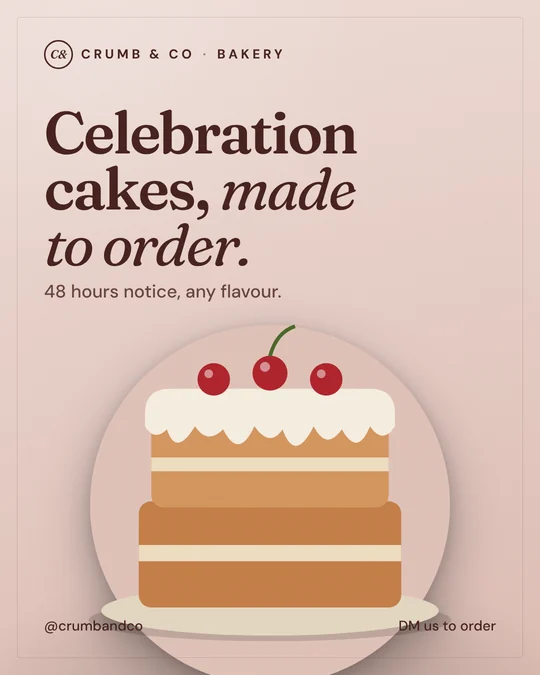 @crumbandcoWed 12:00 · London
 @emberandsaltSat 10:00 · Dubai
 @northsidemotorsThu 17:30 · New York
 @glowsalonThu 09:00 · Manchester
Every business here is made up and every post was designed for this page. If a name or location matches a real business, it is a coincidence and not related to them.
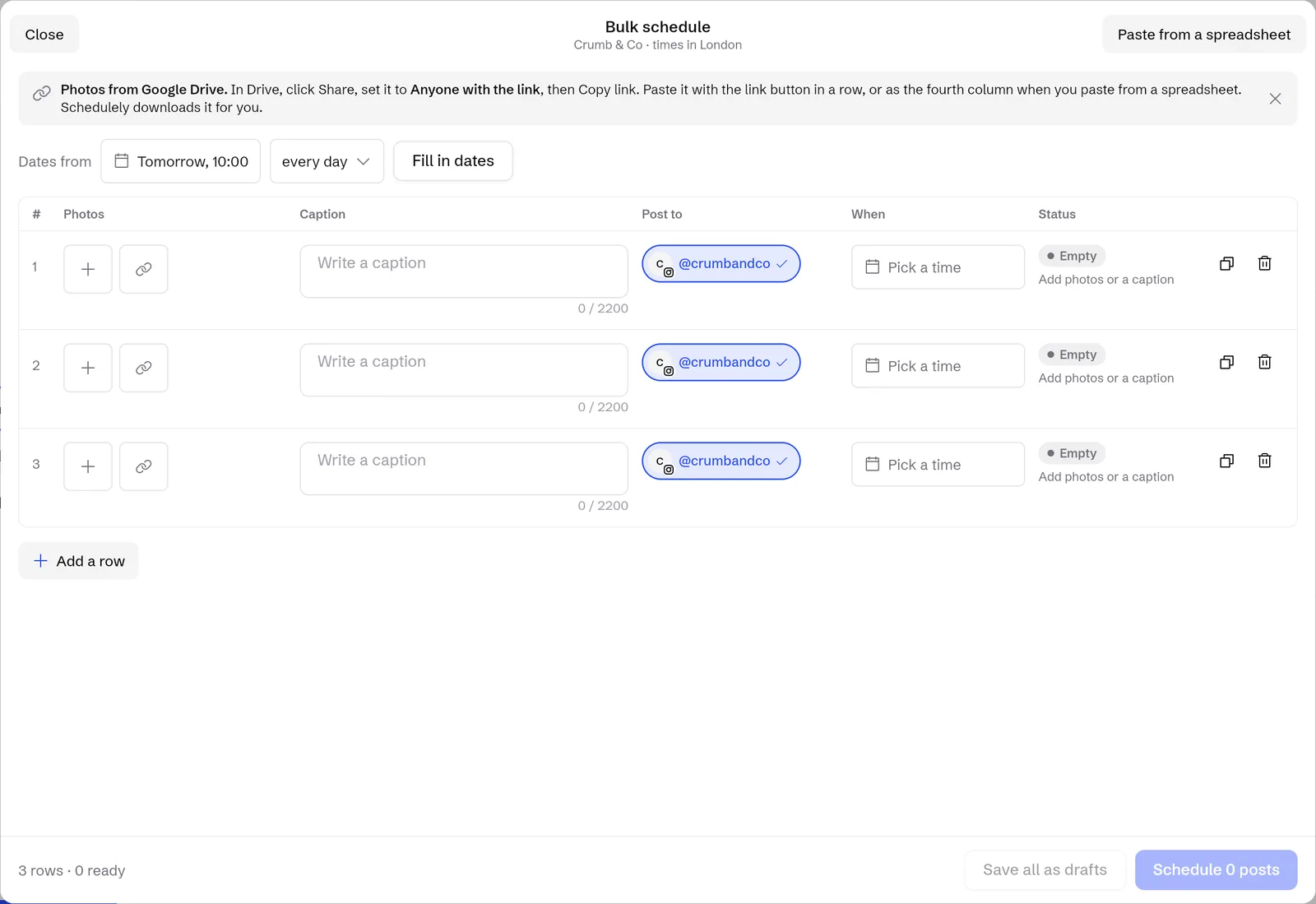
Start freeA month of posts for one client in one sitting.
- One row per post. Paste rows straight from a spreadsheet.
- Fill in the times for every row at once, in the client's time zone.
- Add a Google Drive link and the file downloads for you.
- Save as drafts for approval, or schedule them all in one go.
- If a post fails you see it straight away and retry in 1 tap.
Built for a team, with room for the client.
Invite your team, give clients only what they need, and keep a record of the work.
Workspaces and invites
Invite teammates by email or Google. Each workspace picks the networks it wants and hides the rest.
Assign and notes
Hand a conversation to the right person and leave a team note the client never sees.
Activity history
See who did what, who is online and team time across every client.
Reports as CSV or PDF
Export a client's report when the month closes. White label reports are on the way. Soon
Client logins
Give a client their own login. They see and run only their own account.
Link in bio for every client
Live preview, pick a style, and count visits and taps without cookies.
Bring your whole client list over.Pay for channels, never for seats. We'll tell you well before anything is charged.
Start freePay for channels. Never for seats.
Starter
For one brand getting consistent. Up to 3 channels.
- Scheduling and calendar
- Comments and DMs inbox
- Not included: Complaint, lead and spam labels
- Not included: AI tagging and drafts
Pro
For brands that sell in the comments. Up to 10 channels.
- Everything in Starter
- Complaint, lead and spam labels
- Client logins and approvals
- AI tagging and reply drafts Soon
Agency
For teams running many clients. Up to 30 channels.
- Everything in Pro
- Unlimited team members
- White label client reports Soon
- Ad comment moderation Soon
Free during early access.
Sign up and use everything that's built today at no cost. Plans start later, and we'll tell you well before anything is charged.
Posting to X?
Free for now, then an add on for any plan. Free, later $10 a month.
X charges apps for every post and every reply read, so after early access X posting is a separate $10 a month instead of a price rise for everyone. Yearly prices are shown per month and billed once a year. Screens on this page are illustrative.
Who makes Schedulely
“We built Schedulely after years of watching great ads get buried under unanswered comments. The sorting should be automatic. The replies should still sound like you.”
Founder, SureSocial
A real person replies.
Made by SureSocial, a Meta and Google performance marketing agency. Questions about moving your clients over? Write to us.
contact@suresocial.agencyWhat agencies ask first.
Can my clients log in?
Yes. Give a client their own login and they see and run only their own account. Or send an approval link, and they approve posts or send them back with changes without logging in.
Do you need my clients' passwords?
No. Send a connect link and the client signs in through the network's own page. Nobody shares a password, and we never see it.
Is it really free?
Yes, during early access. Everything that's built today is free to use. Paid plans start later, and we'll tell you well before anything is charged.
Which networks does Schedulely work with?
All 14 are live today: Instagram, Facebook Pages, X, TikTok, YouTube, LinkedIn, Threads, Pinterest, Google Business, Bluesky, Mastodon, Tumblr, Telegram and Discord. Each workspace picks the networks it wants and hides the rest. The inbox and outreach work with Instagram.
Why will X cost extra?
X charges apps for every post and every reply read. X posting is free during early access. After that it's a $10 a month add on, so people who don't post to X don't pay for it.
Plan next month before this one ends.
Free during early access. Works in your browser, with apps for Android, Windows and Mac.