Schedule a month of social media posts in one sitting.
Paste your plan from a spreadsheet, fill in every time at once, and let next month post itself.
Free during early access. Sign up with email or Google.
Made by SureSocial, a Meta and Google performance marketing agency. Works with 14 networks today.
Illustration with a made up bakery. The real screen is further down.
Built for whoever does the posting.
Every client on one calendar, with approvals built in.
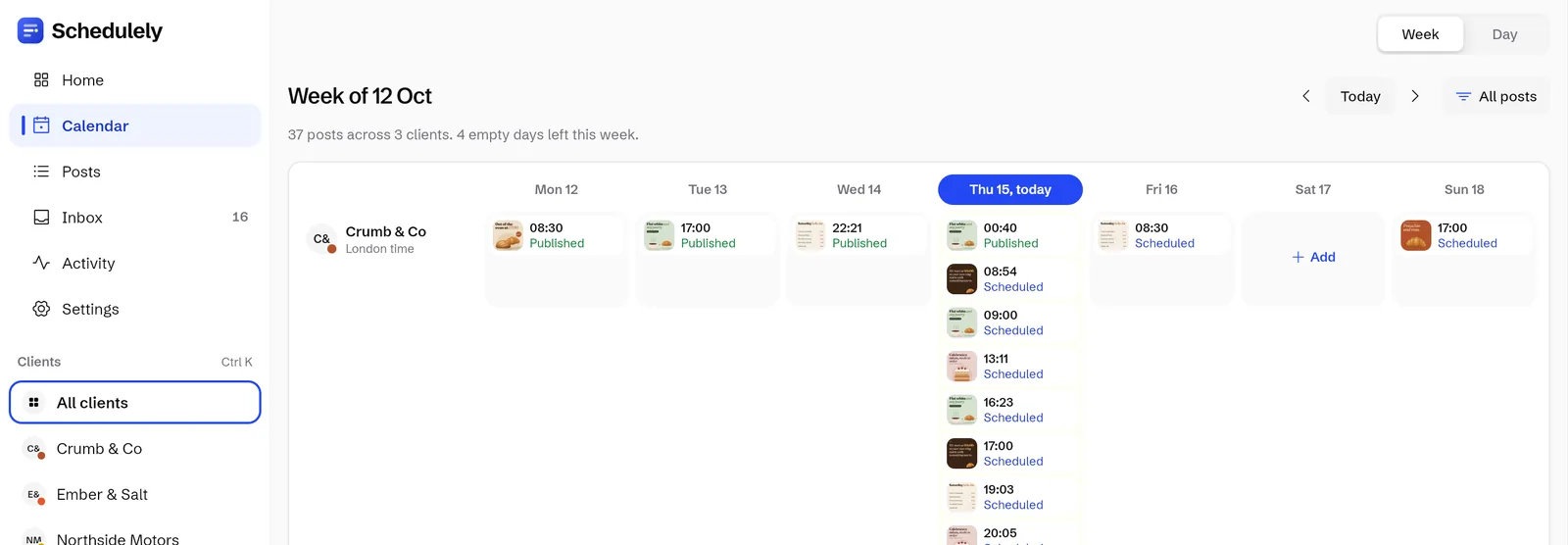
Each client gets their own row in the week calendar, on their own clock. Clients connect their accounts from a link and approve posts with a swipe, so nobody shares a password.
- Client connect links. Clients connect their own accounts without a login.
- Approval links. Swipe right to approve, left to send a post back with a note.
- Week calendar. A row per client, each in their own time zone.
- Reports. Download as CSV or PDF.
Batch next month for every client in one sitting.
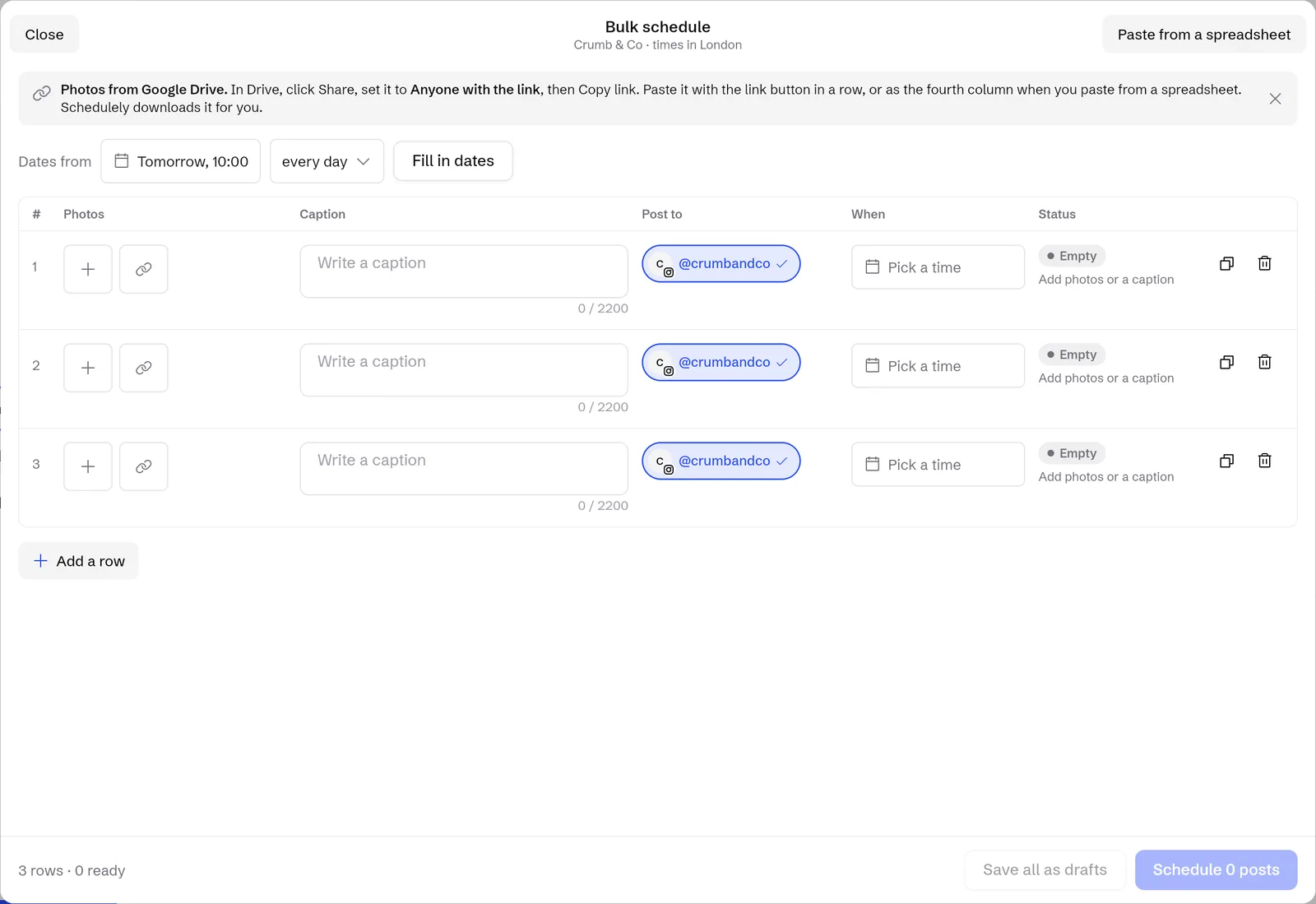
Paste a month of rows from a spreadsheet, fill in every time at once and schedule the lot. Then check the grid and send one approval link per client.
- Bulk schedule. One row per post, paste rows from a spreadsheet.
- Grid preview. Scheduled posts on top of the real Instagram profile.
- Approval links. Clients approve or send posts back without logging in.
- Instagram Stories. Several frames go up in order, 1 minute or 1 hour apart.
Fits best: Usually Pro: up to 10 channels.
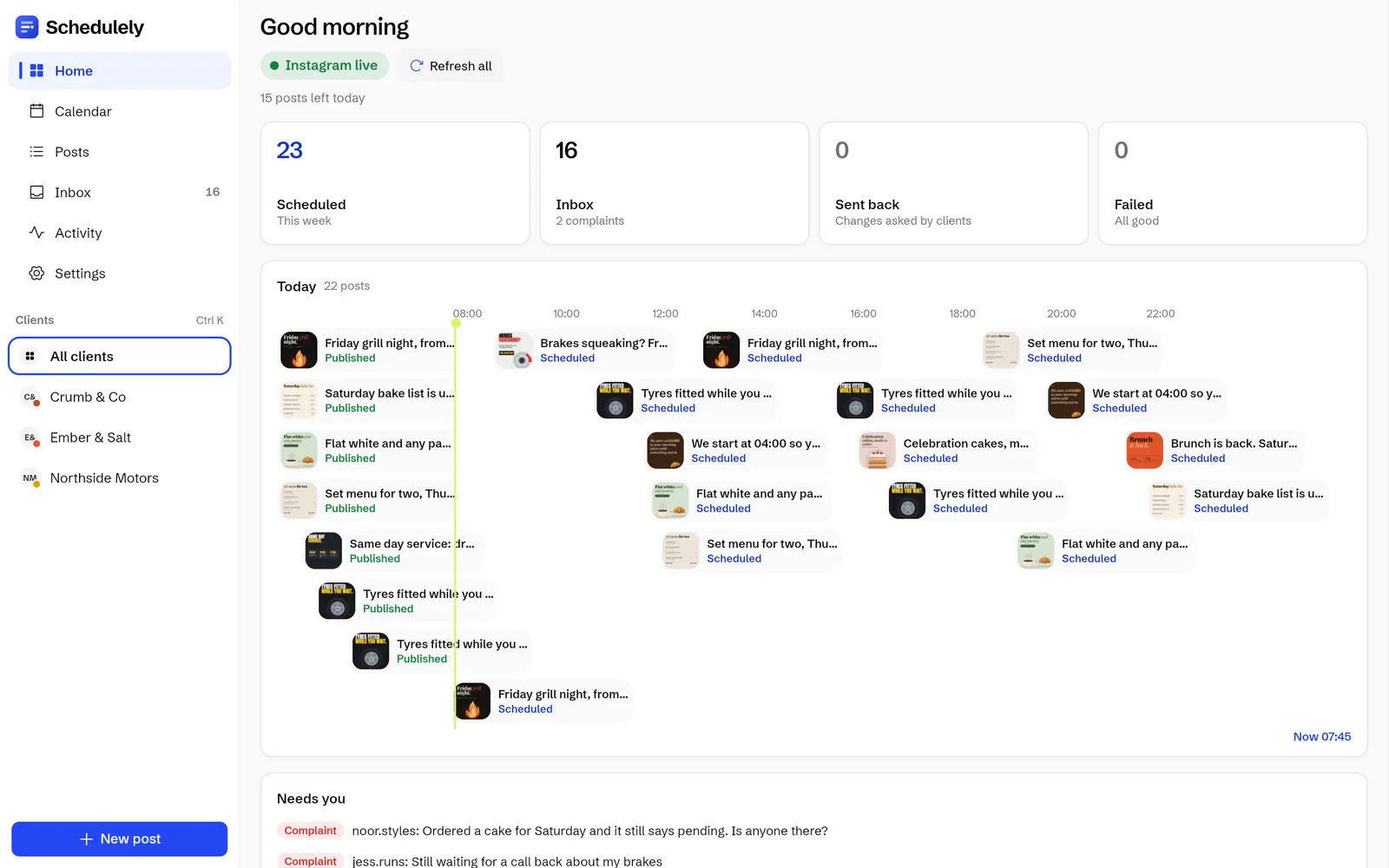
Post ahead, then answer every comment from your phone.
Schedule the week's posts in one go and get back to the shop. Comments and DMs land in one inbox, and saved replies answer the questions you get every day.
- Comments and DMs inbox. Every Instagram comment and DM in one place.
- Saved replies. Answer daily questions in 1 tap.
- Link in bio page. Pick a style, see visits and taps without cookies.
- Works on iPhone. Add the web app to your home screen.
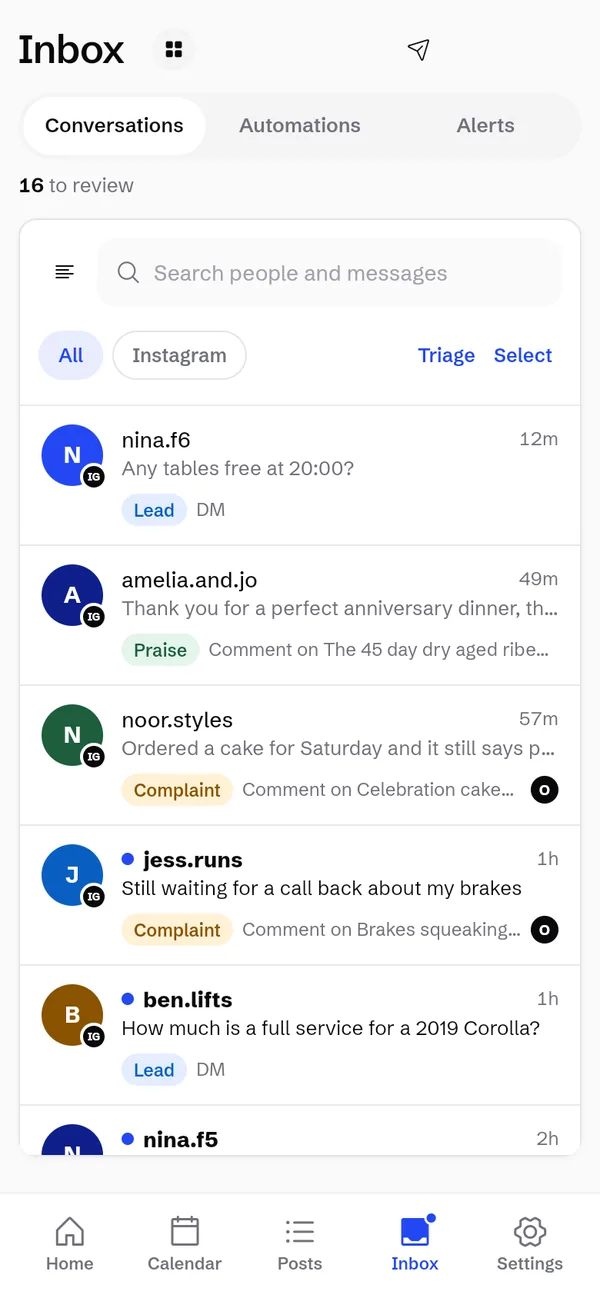
Share one inbox without stepping on each other.
Assign a conversation, leave a team note and see who is online. Automatic labels sort leads from complaints so the right person picks them up.
- Assign and team notes. Every conversation has an owner.
- Automatic labels. Simple word rules. Change a label by hand and it stays.LeadQuestionComplaintPraisePromotionsScam and spam
- Activity history. Who did what, who is online, team time.
- Alerts per device. With quiet hours and a daily digest.

Posting by hand every day, or one sitting for all of it.
Same posts, same accounts. The difference is when you sit down to do it.
By hand, every day
Every morningOne sitting with Schedulely
Once a monthPost goes out on its own 07:00
Post goes out on its own 07:00
Post goes out on its own 07:00
Post goes out on its own 07:00
Post goes out on its own 07:00
Post goes out on its own 07:00
One row per post. A month on one screen.
- 1Paste rows from a spreadsheet. Photo link, caption, account. Each line becomes a post.
- 2Fill in the times for every row at once. Pick a start and how often, and every row gets its slot.
- 3Save as drafts or schedule in one go. Drafts wait for a last look. Scheduled posts go out on their own.
Bring next month's plan. It's free during early access.
A month of posts for every client, lined up before Monday.
Each post has its client, its day and its time. Schedulely posts them on each client's own clock while you get on with next month.

 @crumbandcoMon 07:00 · London

 @emberandsaltFri 12:00 · Dubai

 @northsidemotorsMon 09:00 · New York

 @glowsalonFri 18:00 · Manchester

 @pulsegymMon 05:30 · Birmingham

 @petalstudioWed 10:00 · Bristol
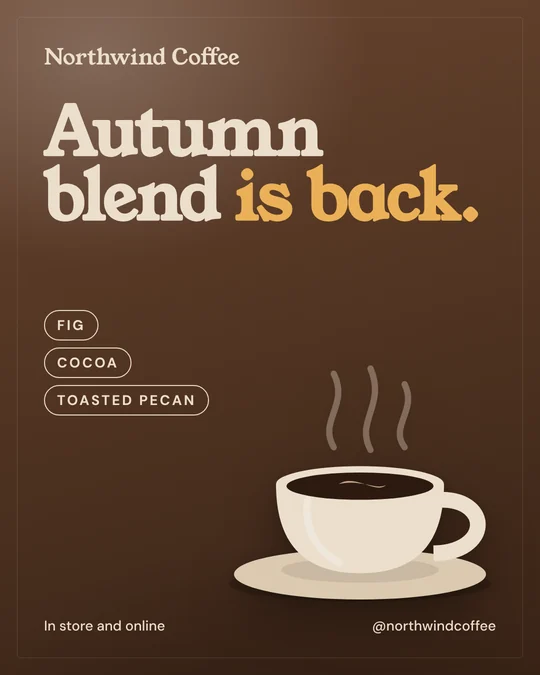
 @northwindcoffeeTue 07:30 · Edinburgh

 @keystonehomesThu 17:00 · Leeds

 @fadeandcoTue 17:00 · Glasgow
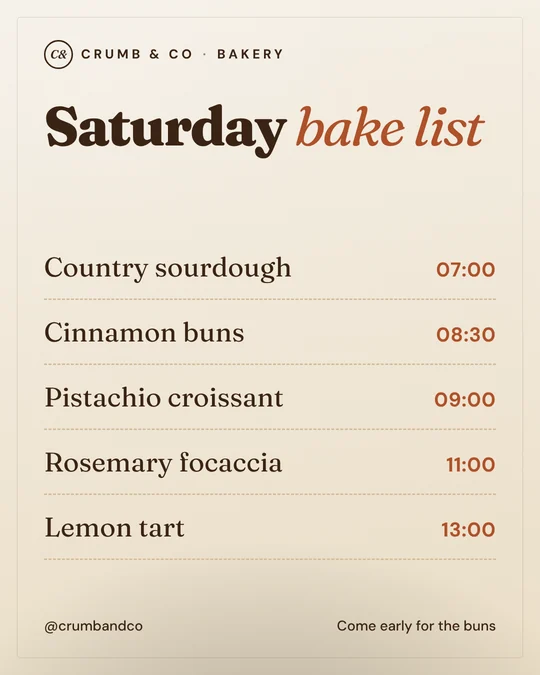 @crumbandcoSat 07:00 · London
 @emberandsaltMon 19:00 · Dubai
 @northsidemotorsWed 08:00 · New York
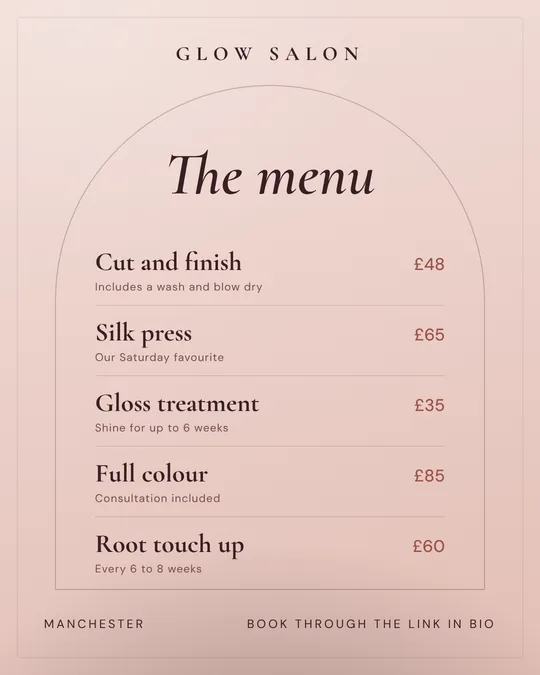 @glowsalonTue 12:00 · Manchester
 @pulsegymTue 06:00 · Birmingham
 @petalstudioThu 12:00 · Bristol
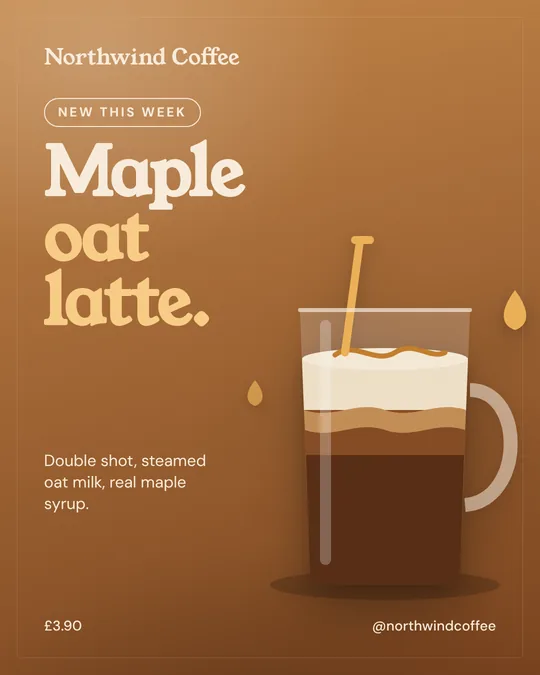 @northwindcoffeeWed 08:00 · Edinburgh
 @keystonehomesWed 17:30 · Leeds
 @fadeandcoThu 12:00 · Glasgow
 @pulsegymSun 19:00 · Birmingham
 @petalstudioMon 09:00 · Bristol
 @northwindcoffeeMon 07:00 · Edinburgh
 @keystonehomesMon 12:00 · Leeds
 @fadeandcoWed 10:00 · Glasgow
 @crumbandcoTue 07:00 · London
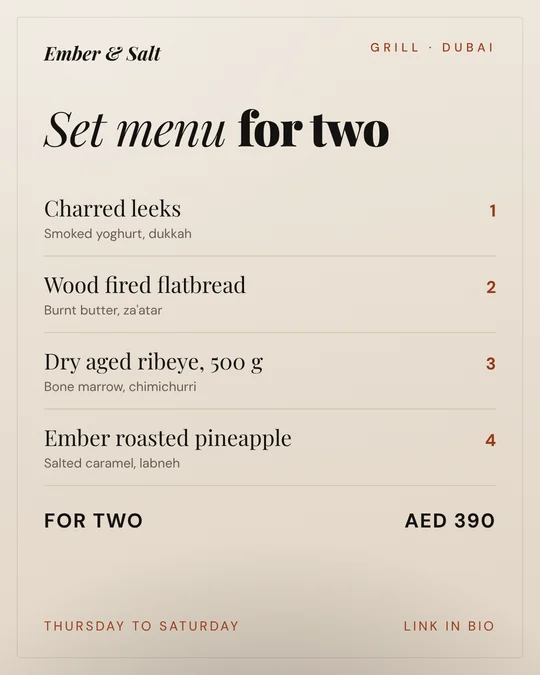 @emberandsaltThu 17:00 · Dubai
 @northsidemotorsTue 12:00 · New York
 @glowsalonMon 10:00 · Manchester
 @pulsegymWed 18:00 · Birmingham
 @petalstudioFri 08:00 · Bristol
 @northwindcoffeeThu 09:00 · Edinburgh
 @keystonehomesTue 18:00 · Leeds
 @fadeandcoFri 09:00 · Glasgow
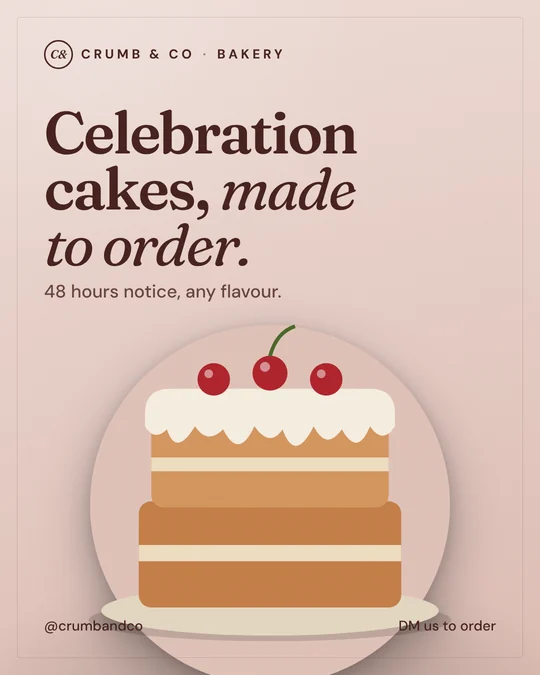 @crumbandcoWed 12:00 · London
 @emberandsaltSat 10:00 · Dubai
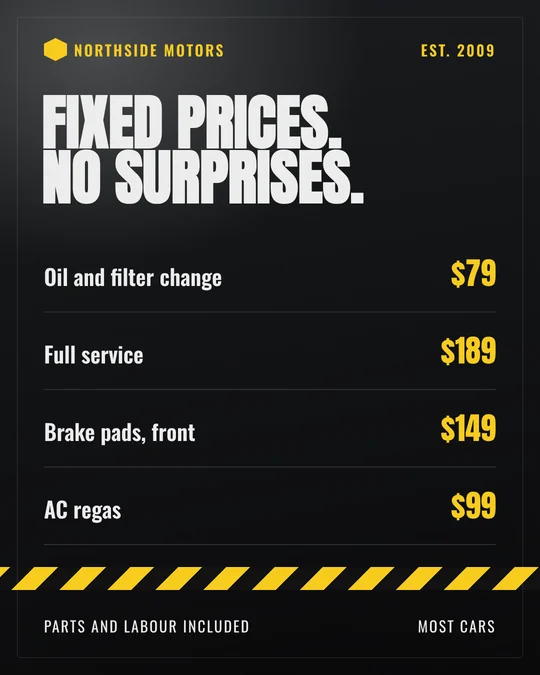 @northsidemotorsThu 17:30 · New York
 @glowsalonThu 09:00 · Manchester
Every business here is made up and every post was designed for this page. If a name or location matches a real business, it is a coincidence and not related to them.
Your first month of posts can be scheduled today.
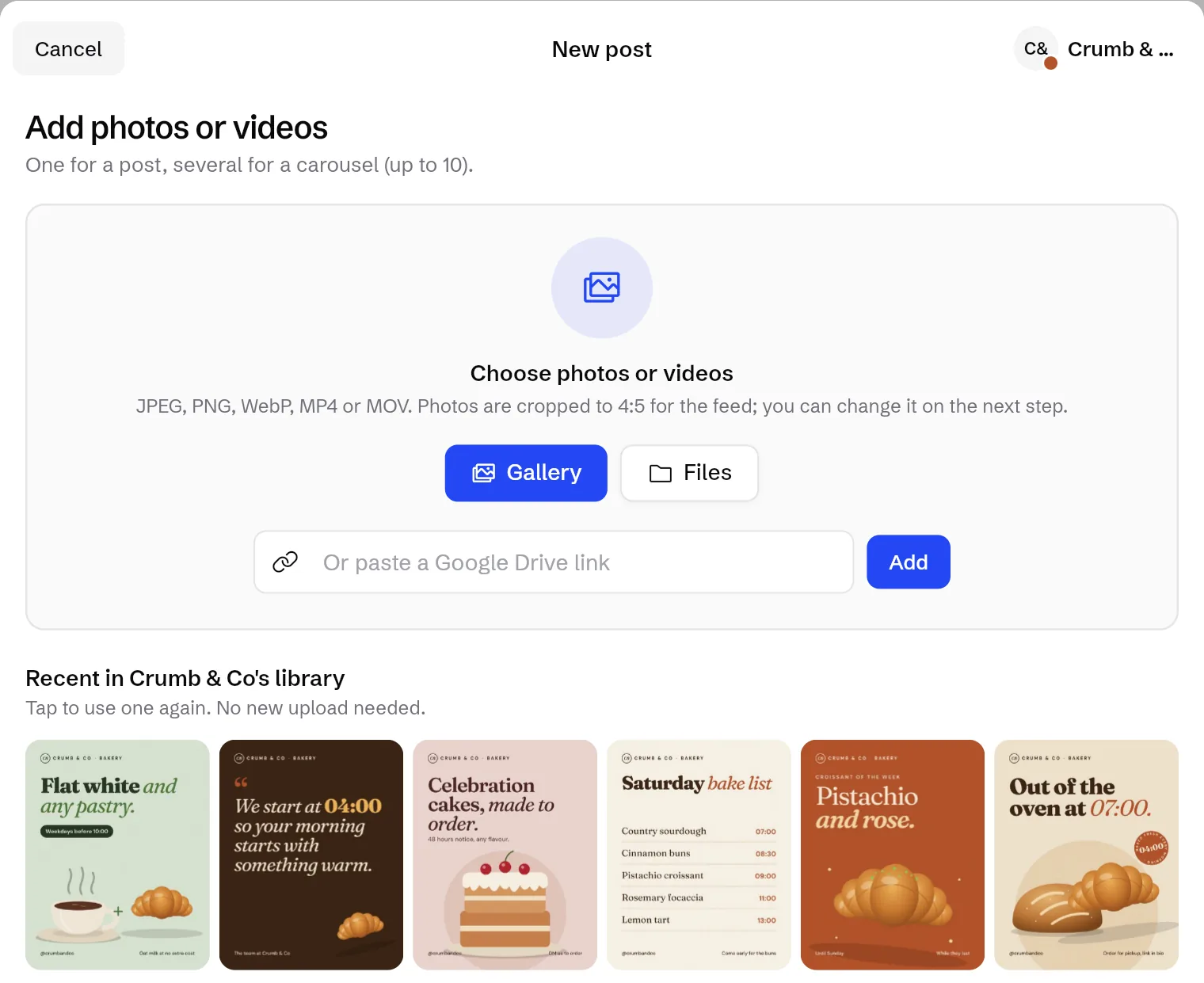
Photos, videos and carousels from wherever they live.
A preview for each network shows roughly how the post will look before it goes anywhere.
See next month on top of the real profile.
Scheduled posts sit on top of the client's real Instagram grid, each with its time, so you can check the feed looks right before anything is posted.
Plan it, see it, schedule it.
- 424 posts
- 4,820 followers
- 312 following
Wed 4 · 07:00 Tue 3 · 07:00Mon 2 · 07:00
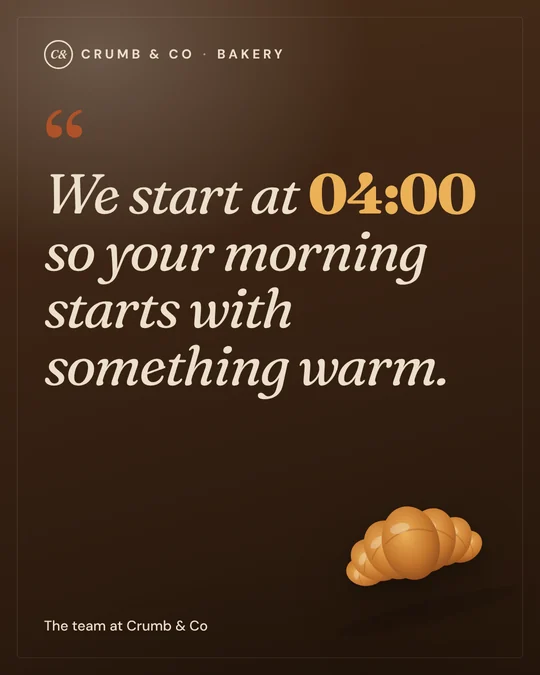

Every business here is made up and every post was designed for this page. If a name or location matches a real business, it is a coincidence and not related to them.
Every client on their own row, in their own time zone.
07:00 in London and 07:00 in Dubai are different moments. Each client's posts go out on their local clock. Switch to a day view, or press Add on any empty day.
Crumb & Co LondonEmber & Salt DubaiNorthside Motors New YorkAdd your clients and plan the next 4 weeks today.
Stories in order. Posts that wait instead of vanish.
Instagram Stories, in the order you set
Line up several frames and they go up one after another, 1 minute or 1 hour apart.
crumbandco1crumbandco2crumbandco3If an account signs out, posts wait
They carry on when you reconnect. If a post fails you see it straight away and retry in 1 tap.
Every business here is made up and every post was designed for this page. If a name or location matches a real business, it is a coincidence and not related to them.
14 networks, all live today.
14networks you can post to today
Each workspace picks the networks it wants and hides the rest. The inbox and outreach work with Instagram.
Works in the browser, on Android, Windows and Mac, and on iPhone from your home screen.
- InstagramPosts, carousels and Stories, plus the inbox
- Facebook PagesPosts on a Page
- XPosts
- TikTokVideos
- YouTubeVideos and Shorts
- LinkedInPosts on a personal profile
- ThreadsText, photos and videos
- PinterestPins on a board
- Google BusinessUpdates on the Google Maps listing
- BlueskyText and photos
- MastodonText, photos and videos, on any server
- TumblrText, photos and videos on a blog
- TelegramPosts in a channel
- DiscordPosts in a server channel
Connect your first network in a minute.
Pay for channels. Never for seats.
Starter
Fits youFor one brand getting consistent. Up to 3 channels.
Start with Starter- Scheduling and calendar
- Comments and DMs inbox
- Complaint, lead and spam labels
- AI tagging and drafts
Pro
Fits youFor brands that sell in the comments. Up to 10 channels.
Start free- Everything in Starter
- Complaint, lead and spam labels
- Client logins and approvals
- AI tagging and reply drafts Soon
Agency
Fits youFor teams running many clients. Up to 30 channels.
Start with Agency- Everything in Pro
- Unlimited team members
- White label client reports Soon
- Ad comment moderation Soon
X charges apps for every post and every reply read, so after early access X posting is a separate $10 a month instead of a price rise for everyone. Yearly prices are shown per month and billed once a year. Screens on this page are illustrative.
"We built Schedulely after years of watching great ads get buried under unanswered comments. The sorting should be automatic. The replies should still sound like you."
Before you plan next month.
Which networks does Schedulely work with?
All 14 are live today: Instagram, Facebook Pages, X, TikTok, YouTube, LinkedIn, Threads, Pinterest, Google Business, Bluesky, Mastodon, Tumblr, Telegram and Discord. Each workspace picks the networks it wants and hides the rest. The inbox and outreach work with Instagram.
Is it really free?
Yes, during early access. Everything that's built today is free to use. Paid plans start later, and we'll tell you well before anything is charged.
Why will X cost extra?
X charges apps for every post and every reply read. X posting is free during early access. After that it's a $10 a month add on, so people who don't post to X don't pay for it.
Does it work on iPhone?
Yes. Open the web app in Safari and add it to your home screen. There are also apps for Android, Windows and Mac.
Who makes Schedulely?
SureSocial, a Meta and Google performance marketing agency. We run paid social every day, and Schedulely handles what happens after the ad goes live.
Plan next month before this one ends.
Open Schedulely, paste your rows, schedule the lot.